
Overview and management
Employee portal
Manage your travel, expense claims, work-from-home days, and mileage. Personal travel stays private. Managers have additional features for permissions, authorizations, and team reports.
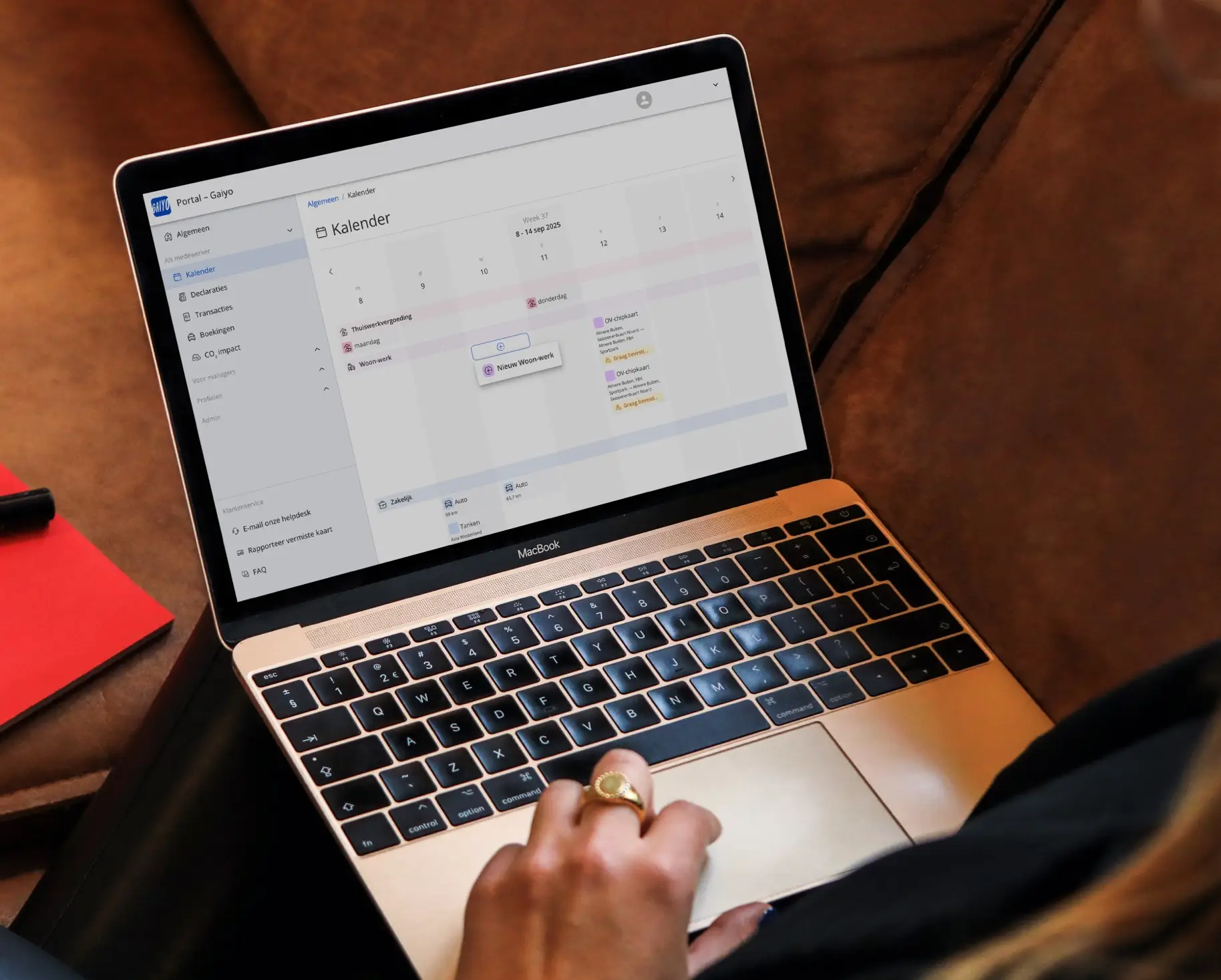
What can you do in the portal?
Travel & expense report overview
All business trips and expense reports in one place, directly linked to your app.
Working from home & commuting registration
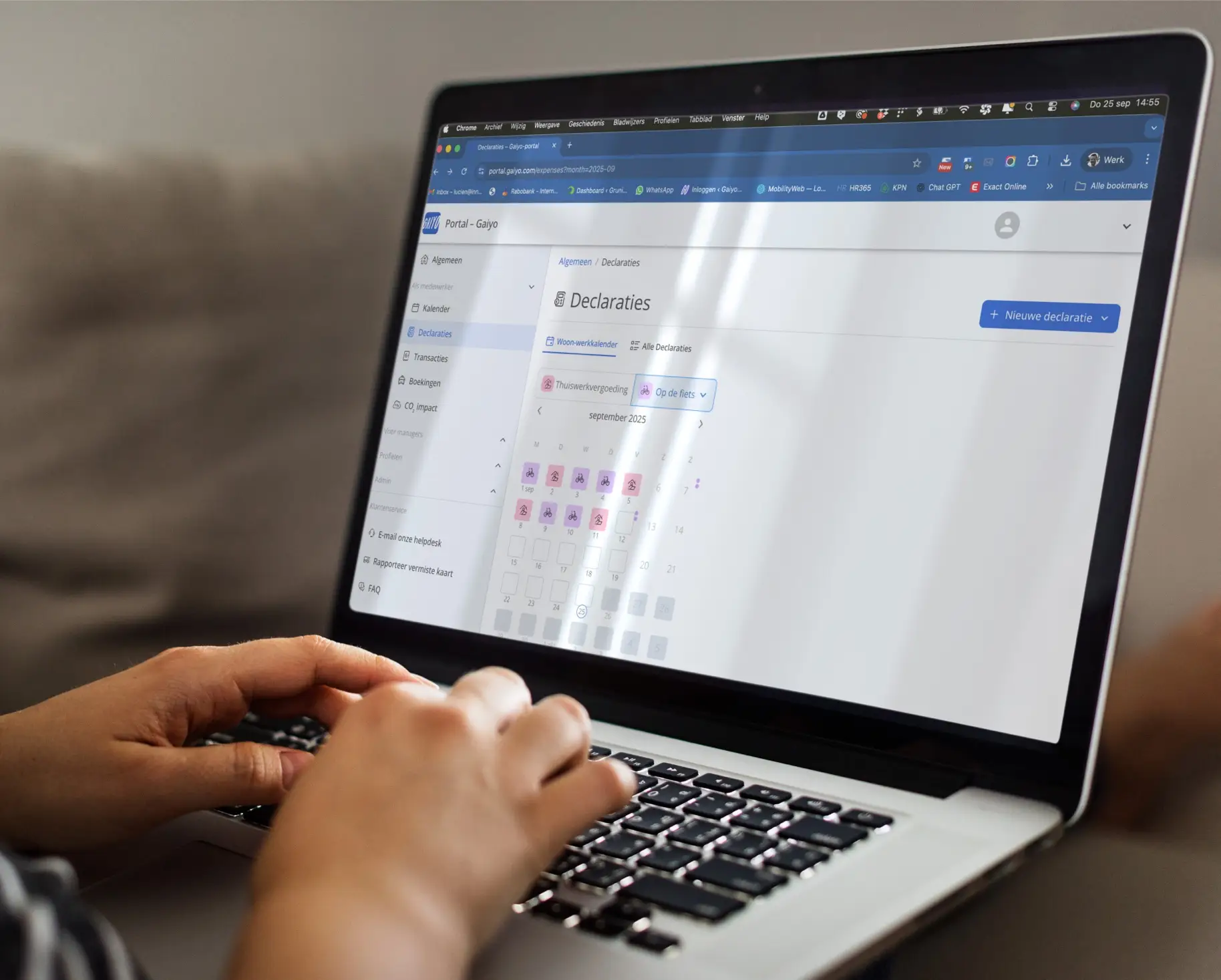
Simply enter your work-from-home days or regular commutes, for example using a handy calendar.
Mileage claims
Manually add trips that were made outside of the app.
Rental cars & taxis
If permitted by your employer, you can book a rental car or taxi directly through the app or portal.
CO₂ insight
Track the impact of your travels and make sustainable choices.
Card management
Request a new PIN code, report a lost or defective card, and arrange for immediate replacement.
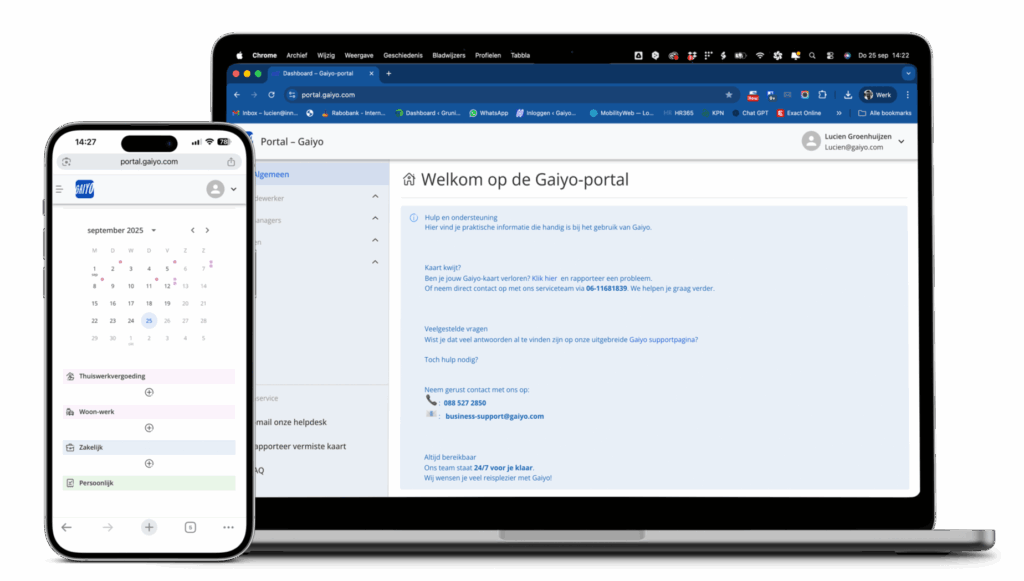
Rights & upgrades
Some features are only available if your employer has granted you the necessary rights. You can see which rights you have in the portal. If you would like more options, such as traveling first class on the train, you can request this from your manager. Depending on the mobility policy, either the employer or the employee will pay any price difference.
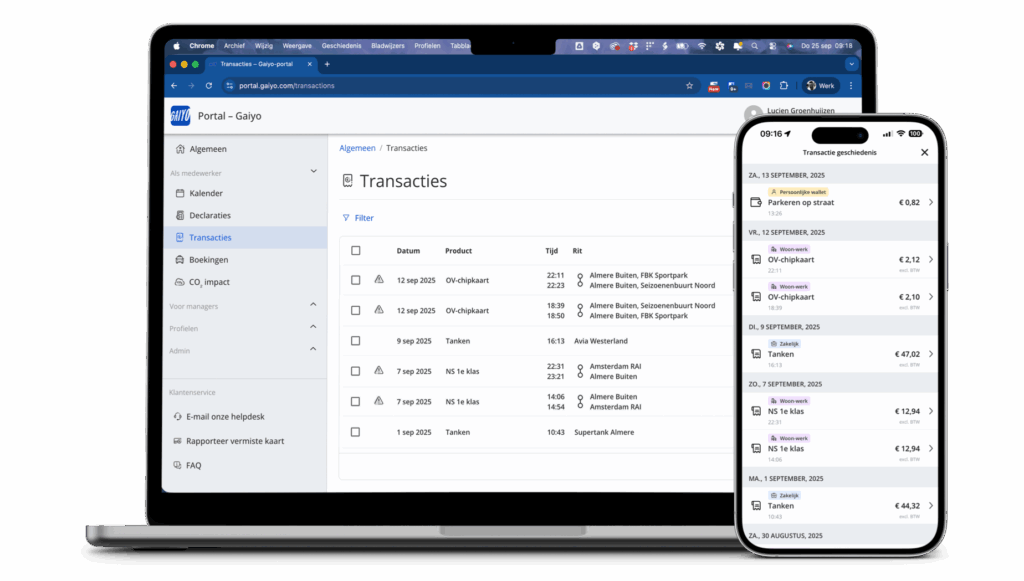
Additional features for managers
Employee management
Register or deregister employees, set permissions, and record start/end dates.
Rights management
Determine which features/options employees are allowed to use.
Authorize
Approve bookings or expense claims where necessary.
Reports & statistics
Insight into your team's usage, costs, and CO₂ emissions.
Transparency & governance
Focus on policy and budget, while maintaining ease of use.
In practice
A commonly used portal feature is the work-life calendar. With just a few clicks, you can fill in your work-from-home days and regular commute days for the entire month. Claims for work-from-home allowances and travel expenses are then processed automatically.
“I used to spend time every week manually reporting my commutes. Now I just fill in the calendar once, and my expense claim for the entire month is taken care of. It saves me a lot of time and hassle.”
Frequently asked questions
How do I log in to the portal?
You log in with your business email address and password or via Single Sign-On (SSO) if your organization uses this.
Are my private trips visible in the portal?
No. Only business trips and expense claims are displayed. Private trips are paid for via your personal wallet and remain completely private.
What rights do I have and how can I see them?
In the portal, you can see exactly which functions you are allowed to use, such as OV-fiets, taxi, or rental car. These rights are set by your employer.
Can I request an upgrade (for example, to first class)?
Yes. You can request this from your manager. Depending on the mobility policy, either your employer or you will pay any price difference.
Can I record my days working from home or my commutes?
Yes. With the work-life calendar, you can easily register your work-from-home and travel days for an entire month. Expense claims are automatically included.
What can managers or HR staff do in the portal?
They can register or deregister employees, set permissions, record start/end dates, approve expense claims, view reports, and apply mobility policies.
How secure is my data in the portal?
All data is stored securely. Employers only have access to business data, never to your private trips.
Log in directly to the employee portal
Would you prefer to work on a larger screen or do you want to arrange specific matters? The portal is ready for you.
Everything comes together in your portal
The portal works seamlessly with the app and the mobility card.